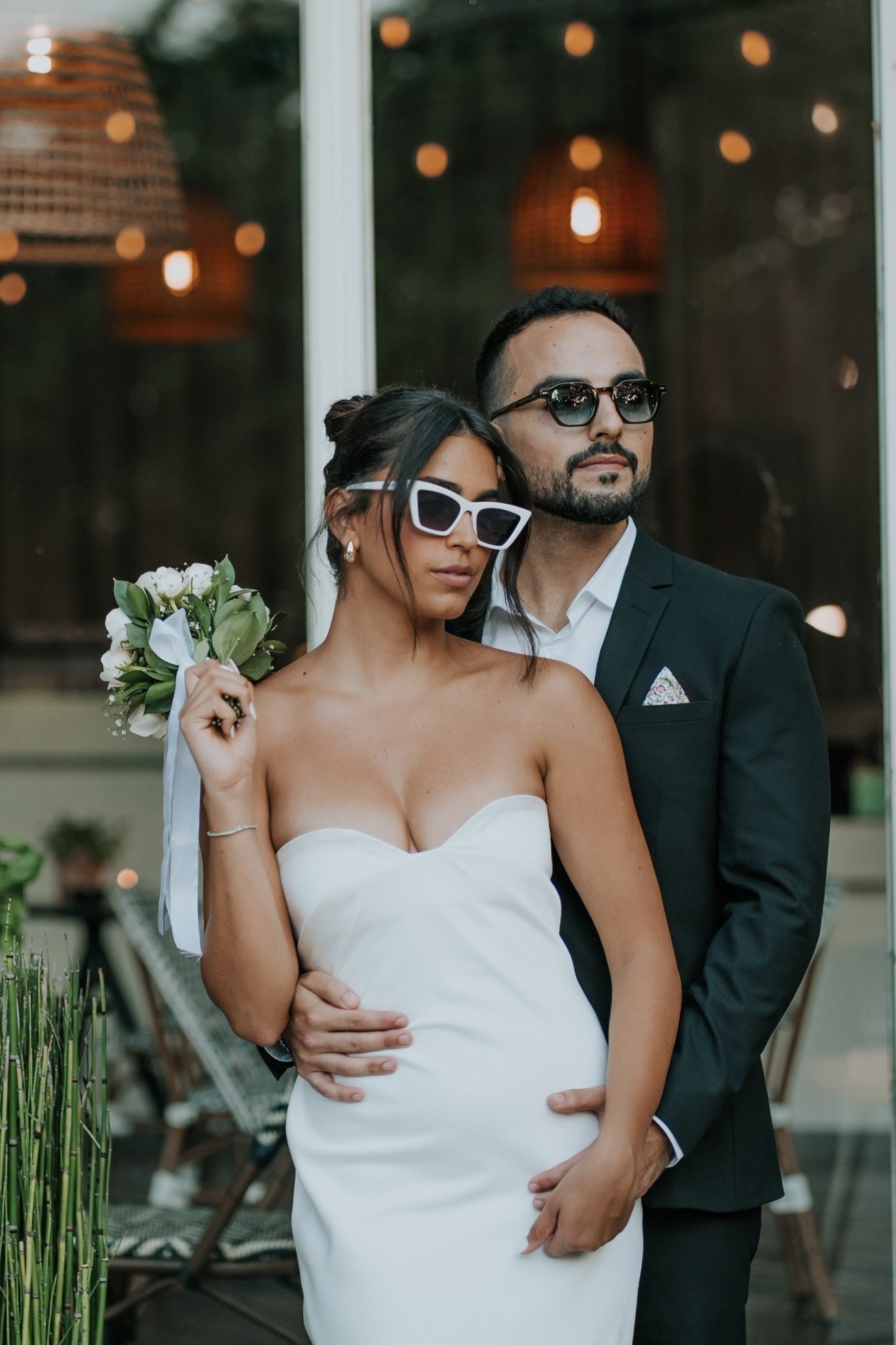
A perfect wedding gallery doesn't create itself. Here's the complete guide to what to include and how to get 90% of guests to download their photos.
At Snapick, we've seen thousands of wedding galleries. Among them, there's a huge gap between galleries where 90% of guests download their photos - and ones where only 20% do. The difference isn't the number of photos.
Factor #1: How fast and easily a guest finds themselves
Studies show people abandon a gallery if they haven't found a photo of themselves within 90 seconds. Every photo they have to scroll past before finding themselves lowers the odds they'll stick around. That's why a platform with AI face recognition boosts the download rate 3-4x compared to standard storage galleries.
What to include in the gallery
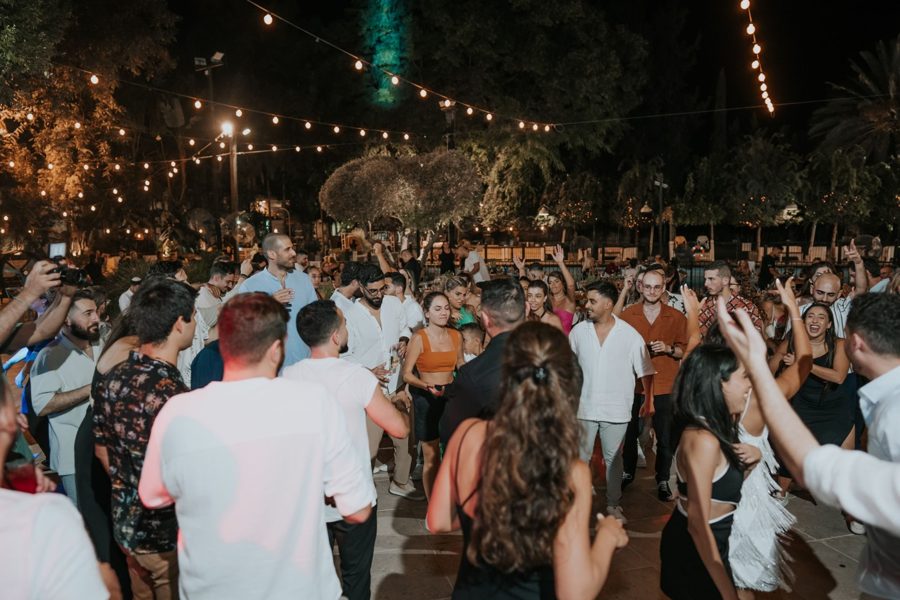
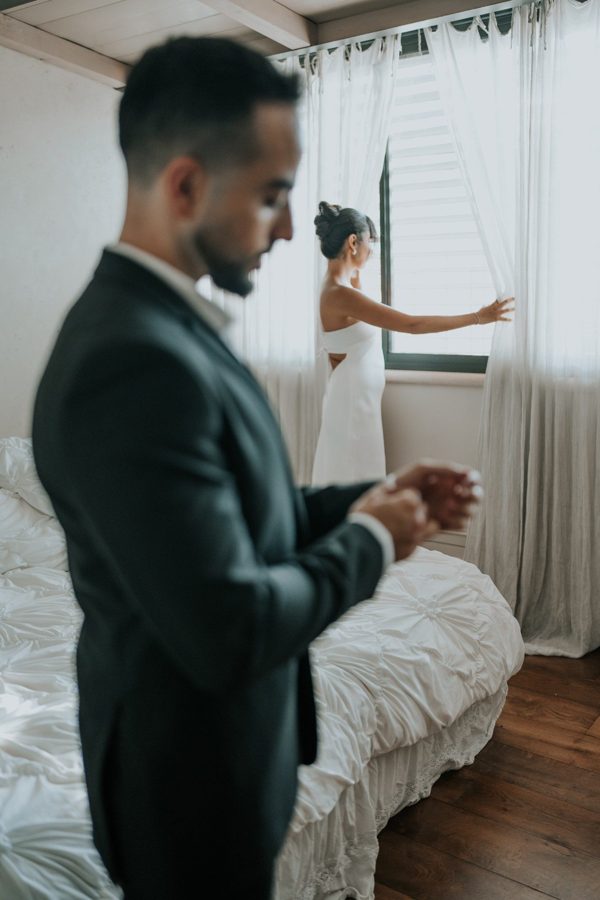
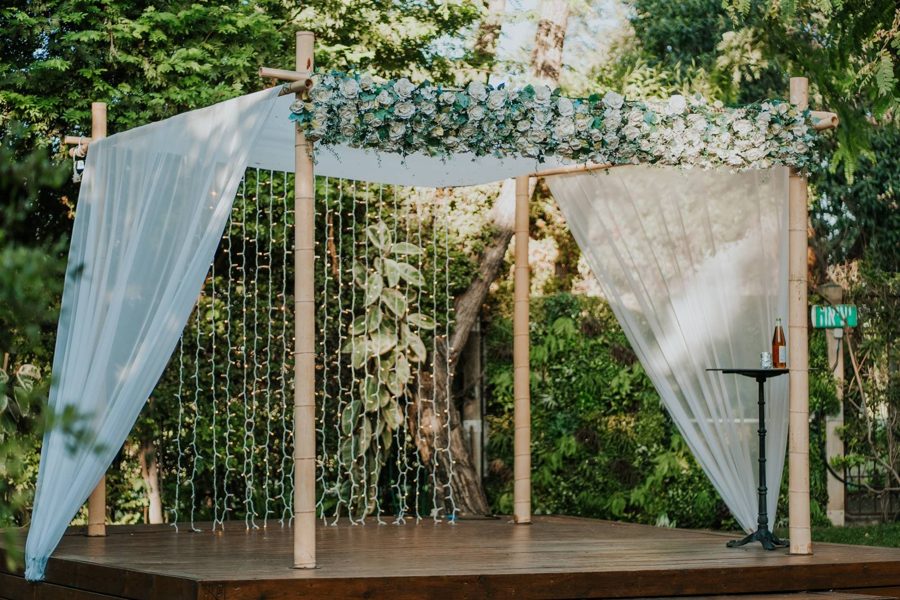
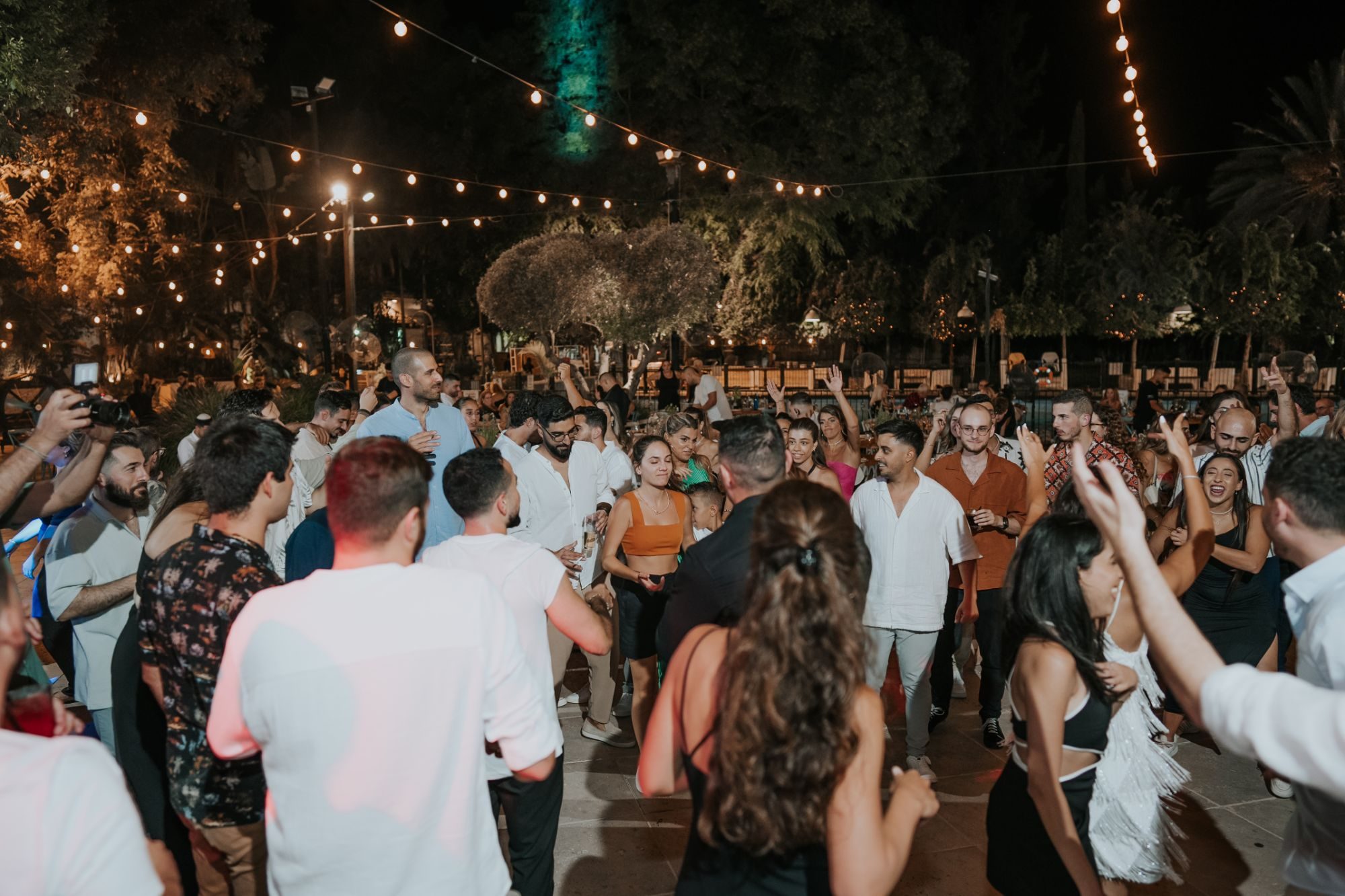
- Photos from every stage of the evening - getting ready, ceremony, dancing, tables
- Group shots - family, friends, colleagues
- Spontaneous, unposed moments - they're the most popular
- Photos of kids (with parents' consent) - they drive downloads
- At least 3-5 photos of every guest, on average
What not to include
- Blurry or poorly exposed photos - they drag down the overall quality
- Duplicates - 15 similar shots of the same pose wear guests out
- Photos people wouldn't want shared (keep it discreet)
The secret to a high download rate: timing the send
The gallery draws the most traffic the day after the wedding and 3-7 days after. Send the invite at 2 points: the day after (when people want to see "how it turned out") and a week later. Guests who get a reminder two weeks later have already lost interest.
A gallery link and QR code are included with every event, unlimited - so you can send them again at both moments. Want each guest to get a personal WhatsApp message? That's a paid add-on arranged with us.
FAQ
How many photos should you include in a wedding gallery?
For a wedding with 100-200 guests, aim for 500 to 1,500 curated photos - meaning after editing and selection. Fewer than 300 feels sparse; more than 2,000 wears guests out.
Should you also include photos guests took themselves?
Yes! With Snapick's shared guest album, included with every event, you can let guests upload photos straight from their phones to the gallery. It creates a sense of community and significantly boosts the photo count.