Same-night backup, culling, editing, a sneak peek and gallery delivery - an orderly workflow for wedding photographers that saves hours, prevents mistakes and brings in the next client.
The wedding ends at midnight, but the photographer's work is just starting: thousands of files on two cards, a couple waiting, and guests asking "when are the photos coming?". A fixed workflow - backup, culling, editing, a sneak peek and delivery - is what separates a calm week from a week of putting out fires.
Step 1: Back Up the Same Night
Before you go to sleep, copy. The common rule is 3-2-1: three copies, on two types of storage, with one of them off-site (in the cloud, for example). Shot to two cards at once? You already have two copies - but both are in the same bag.
- Copy the main card to your computer and to an external drive
- Start a cloud upload and let it run overnight
- Don't format any card until every copy has been checked
Step 2: Culling
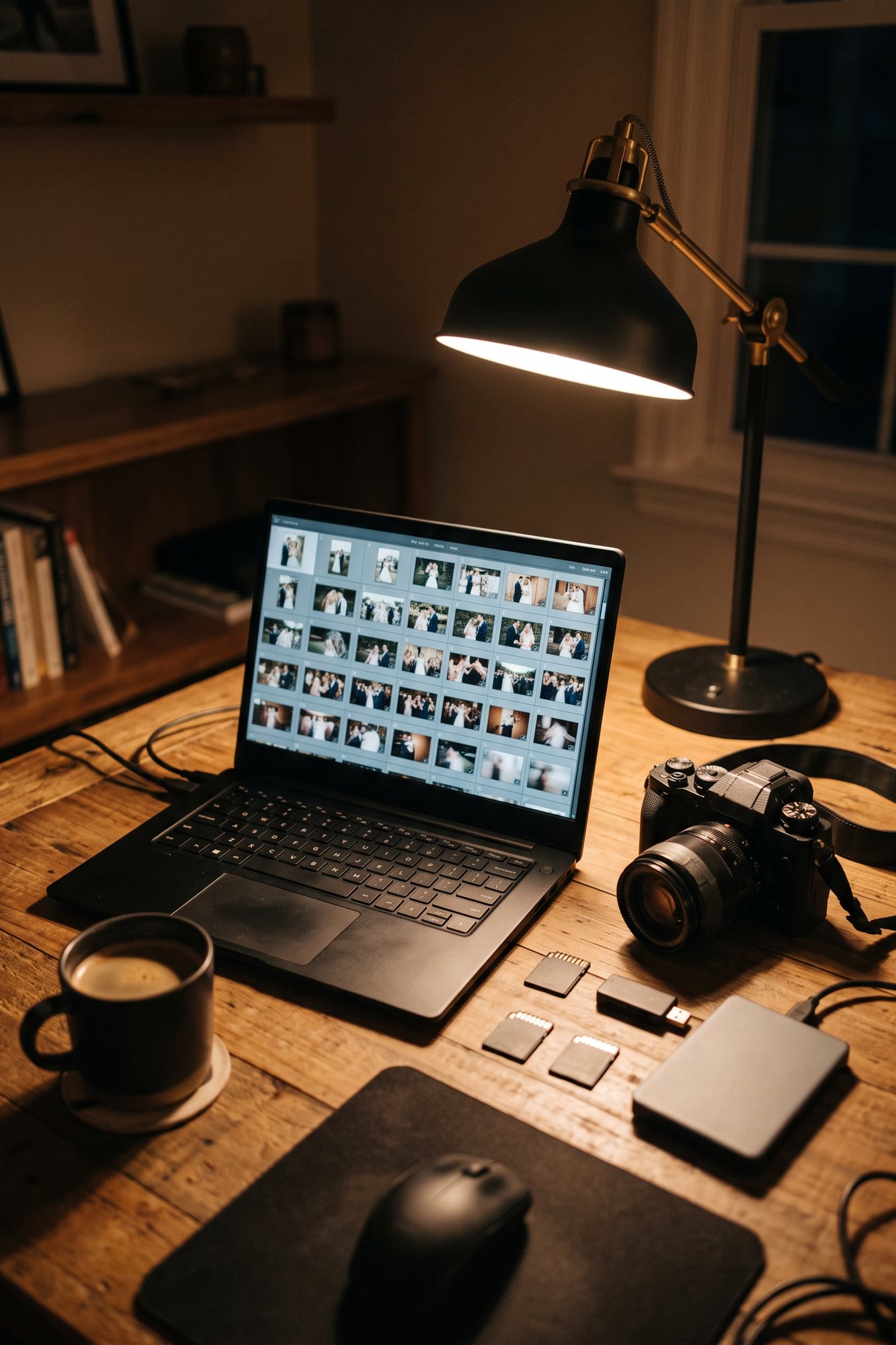
Culling is the most time-consuming step: closed eyes, duplicates, missed focus. Out of thousands of frames, only a small share makes it to delivery. AI culling tools such as Aftershoot, FilterPixel and Narrative Select flag the problem frames in advance and cut the work considerably - the final call is still worth leaving to your own eye.
Step 3: Edit to a Consistent Look
Work from a base preset of your own and adjust it per scene - getting ready, ceremony, dance floor - not photo by photo. Export in two sizes: full-resolution JPEG for downloading and printing, and a lighter version for social media.
Step 4: A Sneak Peek Within a Day or Two
20-40 strong photos sent a day or two after the wedding do two things: they reassure the couple, and they hit social media while everyone is still talking about the event - with your credit on them. It's one of the cheapest ways to reach your next client.
Step 5: Deliver the Gallery
This is where many photographers still use tools that weren't built for the job. A cloud folder works, but the client gets a list of files, and the guests - if they even get the link - scroll through thousands of photos to find themselves. WhatsApp compresses the photos and hurts the quality.
| Cloud folder | Branded gallery with people recognition | ||
|---|---|---|---|
| Quality | Original | Compressed | Original |
| Finding one person's photos | Manual scrolling | Manual scrolling | By person or by selfie |
| Your branding and credit | ✗ | ✗ | ✓ |
| Access control | Anyone with the link | Everyone in the group | Access code |
| What the client gets | A list of files | Chat messages | A designed gallery |
What the Gallery You Deliver Should Include
- A design that fits the event and your style
- Your logo and contact details - everyone who opens the gallery sees who shot it
- A way to find specific people without scrolling through the whole gallery
- Downloads at original quality
- An access code, so only the people who received it can get in
That's exactly why we built a platform for photographers at Snapick. Open a gallery for every client, upload the set, and AI recognizes the people in the photos - the couple and their family browse by person or find themselves with a selfie. Choose a design, add your logo, your credit and links to your Instagram and WhatsApp, and set an access code. Deliver by branded email (the client's replies come back to you), by WhatsApp or with a link and QR code. Up to 15,000 photos per gallery, live for 12 months.
Step 6: After Delivery
- Ask for a review a few days after delivery, while the excitement is at its peak
- Keep track of the gallery's expiry date, and remind the client to download the photos before it comes down
- Move the files to your archive according to the retention policy you committed to in your contract
A Sample Timeline
| When | What happens |
|---|---|
| The wedding night | Backup to two places and a cloud upload |
| A day or two later | Sneak peek: 20-40 photos |
| The following weeks | Culling and editing |
| By the date in your contract | Full gallery delivered to the client |
| A week after delivery | Ask for a review and a referral |
FAQ
How long should a wedding photographer take to deliver the photos?
It varies between photographers. What matters is setting a date in writing before the event and keeping it. A sneak peek of 20-40 photos within a day or two takes the pressure off the wait for the full gallery.
What's the best way to back up wedding photos?
Shoot to two cards at once, and after the event follow the 3-2-1 rule: three copies, on two types of storage, one of them off-site. Don't format a card until every copy has been checked.
How do you send clients a gallery of thousands of photos?
In an online gallery, not over WhatsApp, which compresses the photos. A gallery with people recognition spares the couple and their guests from scrolling through thousands of photos - everyone finds themselves by person or by selfie.
How does a wedding gallery bring in new clients?
Put your name, logo and contact details inside the gallery. Every guest who comes looking for their photos sees who shot them and can reach you directly.
How do I join Snapick's photographer platform?
The platform is currently open to photographers in our partner program, priced by the volume of events. Talk to us on WhatsApp through the photographers and producers section on the homepage.