Personal gallery, guest album, face embedding, access code, magnet photographer - every term you'll meet when looking for an event photo gallery, in a short, clear explanation.
An event photo gallery with face recognition comes with its own vocabulary: personal gallery, guest album, face embedding, access code. This glossary explains each term in a sentence or two, so you can compare services, understand what you're buying and ask the right questions.
The Terms at a Glance
| Term | Hebrew | In one sentence |
|---|---|---|
| Event photo gallery | גלריית תמונות לאירוע | All the event's photos in one place, behind one link |
| Personal gallery | גלריה אישית | Only the photos a given guest appears in |
| Guest album | אלבום אורחים | Photos and greetings guests upload themselves |
| Face recognition | זיהוי פנים | Matching a face to the same person in other photos |
| Face detection | איתור פנים | Finding where there are faces in a photo |
| Face embedding | וקטור פנים | A numerical representation of a face, used for comparison |
| Face clustering | קיבוץ אנשים | Grouping all the photos of the same person together |
| Selfie search | חיפוש בסלפי | One selfie that finds all your photos |
| QR code | קוד QR | A square you scan with a camera to open a link |
| Access code | קוד גישה | A password only people who know it can use to enter |
| Original quality | איכות מקורית | The full-resolution file, uncompressed |
| Magnet photographer | צלם מגנטים | A photo station that prints photos at the event |
| Biometric data | מידע ביומטרי | Data about physical traits, such as the face |
| Retention period | תקופת אחסון | How long the gallery and data are kept |
| Free trial | גרסת ניסיון | A test event before you pay |
The Gallery and the Album
Event photo gallery
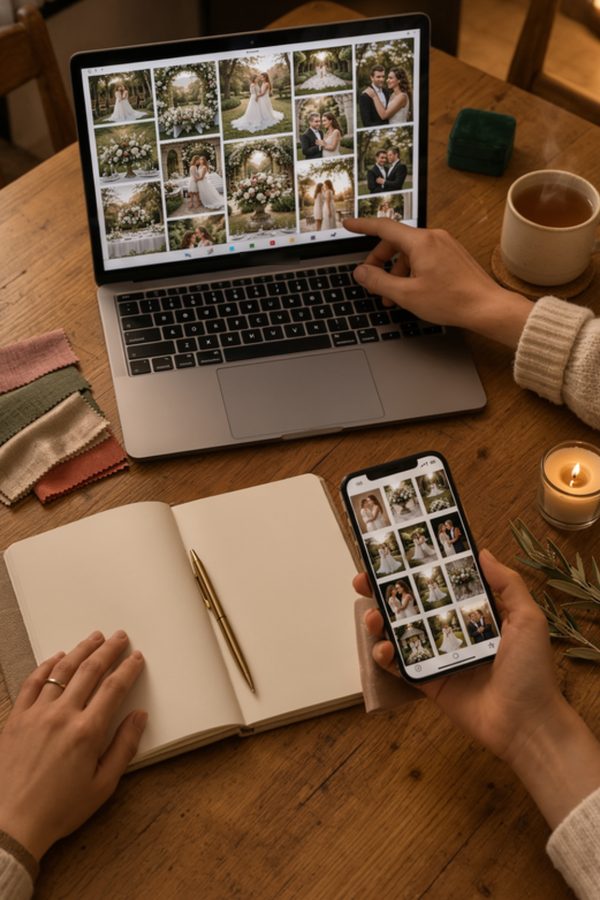
A site or page holding all the event's photos, which guests open by link or QR to view and download them. Unlike a cloud folder, an event gallery is designed for the specific event and built for viewing on a phone.
Personal gallery
The part of the gallery that shows a guest only the photos they appear in. In a face-recognition gallery it's built automatically from one selfie, so the guest doesn't have to scroll through thousands of photos to find themselves.
Guest album (shared album)
An album guests upload photos and greetings to from their phones during the event, usually through a QR on the tables. It collects the moments the photographer didn't catch. At Snapick it's included as a gift with every event, up to 30 photos per guest.
Magnet photographer (photo station)
A photographer or station at the event that shoots guests and prints their photos on the spot, often as a magnet. Its photos can be synced to the gallery, so guests find them in their personal gallery too.
Same-day gallery
A gallery guests can open on the day of the event or the day after, not weeks later. It's possible when you upload photos directly to the service, without waiting for a representative or an approval.
Face Recognition
Face detection
The first step: the system finds where in a photo there are faces. Face detection doesn't know whose face it is - it only marks that a face is there. That's the key difference between it and face recognition.
Face recognition
The second step: comparing faces to decide whether they belong to the same person. In an event gallery, face recognition finds every photo a given guest appears in, based on their selfie.
Face embedding
A numerical representation of a face - a list of numbers derived from the face image. Two close embeddings point to the same person. The comparison is between the numbers, not the images themselves.
Face clustering
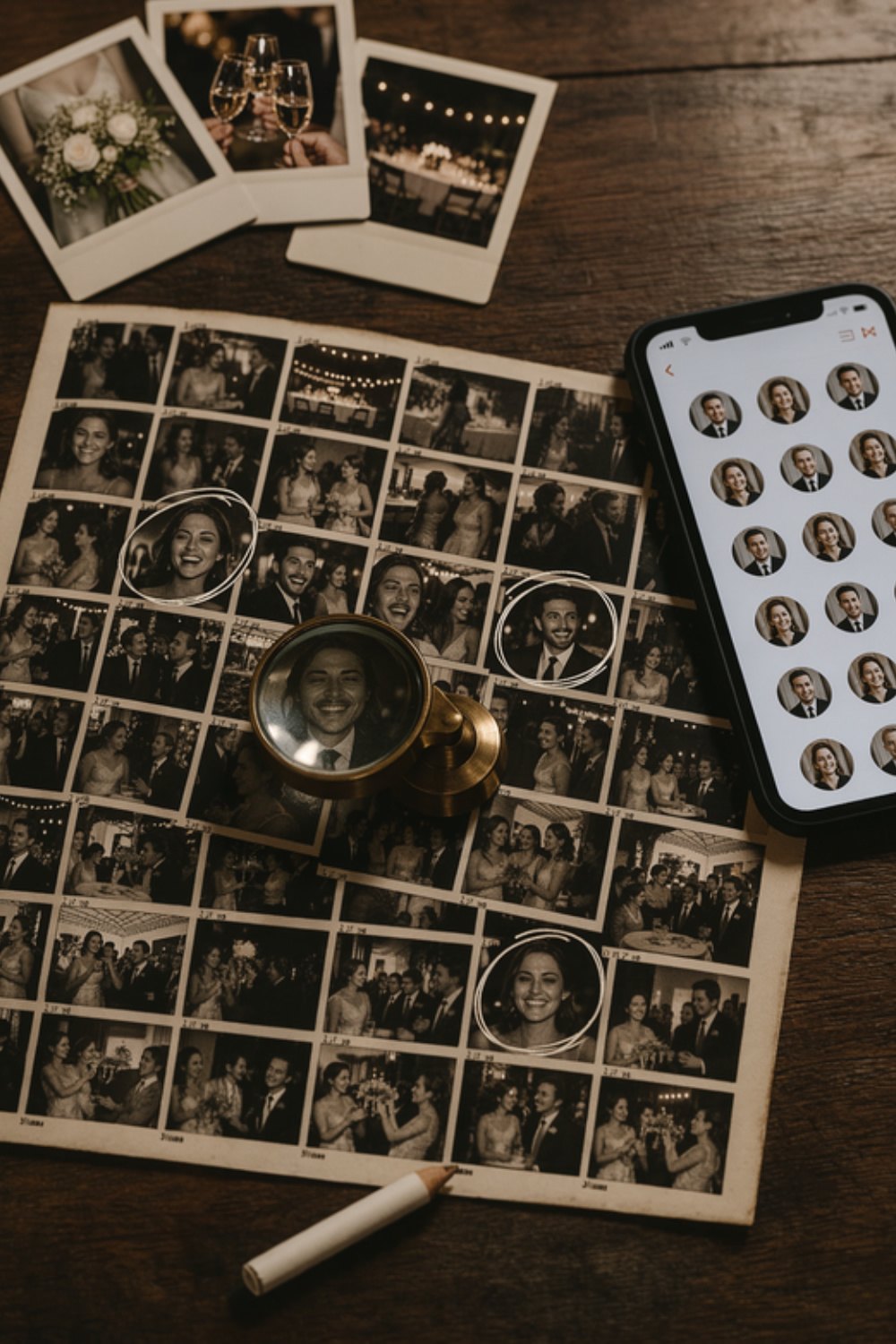
Automatically grouping every photo in which the same person appears. It's what lets you browse a gallery by person: pick a face and see all of that person's photos.
Selfie search
The guest takes a selfie, and the system compares it with the faces in the event photos and returns the photos they appear in. At Snapick the selfie is used temporarily and not kept, and the comparison runs only against that event.
Misses and false matches
Face recognition is probabilistic. A miss is a photo the guest appears in that wasn't found; a false match is a photo of someone else shown to them. Lighting, angles, glasses and hidden faces affect both.
Sharing and Access
QR code and QR sign
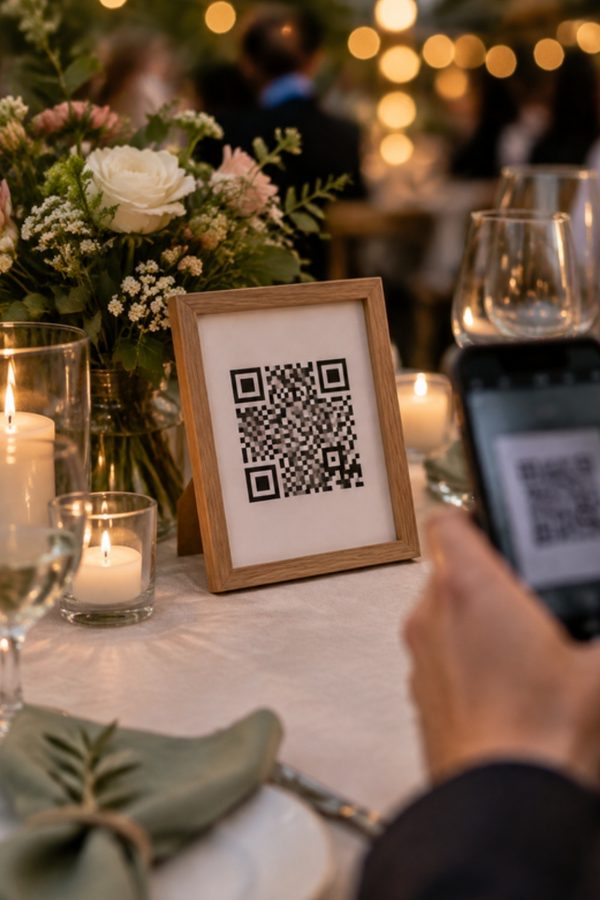
A black-and-white square you scan with a phone camera to open a link. At events, QR signs go on the tables and at the entrance: a sign for uploading photos to the guest album, or a sign that leads to the gallery.
Access code
A password for the gallery. Anyone without the code can't get in, even with the link. Useful at company events and private events where only the guests should see the photos.
WhatsApp delivery
Sending each guest the gallery link in a personal WhatsApp message. An important distinction: a good service sends the link, not the photos themselves - WhatsApp compresses photos. At Snapick it's an add-on from ₪49 arranged with us; sharing by link and QR is included with no limit.
Original quality
The full-resolution file the photographer uploaded, uncompressed. It matters for prints and albums. Photos sent over WhatsApp or shown as a reduced version are not original quality.
Privacy
Biometric data (information of special sensitivity)
Data about physical traits that can identify a person, such as face data. Since August 2025, when Amendment 13 to Israel's Privacy Protection Law came into force, biometric data counts as "information of special sensitivity" in Israel.
Explicit consent
A guest's active confirmation before their face is processed. At Snapick the guest confirms consent before the selfie, and without it the search doesn't run. A guest who'd rather not can simply browse the gallery.
Retention period
How long the gallery, photos and face data are kept. At Snapick it's 6 months (12 with Snapick Plus), counted from when the gallery is published; at the end, the event moves to an archive for a short period and is then deleted with all its data.
Buying and Using
Free trial (draft)
An event you open for free to see the service working before you pay. At Snapick you can upload up to 30 photos to the draft, with no credit card; it's private and only the event owner sees it.
Publishing
The moment the gallery opens to guests: the link and the QR start working. At Snapick you publish after choosing a package, and the storage period counts from that moment.
Branding
The event owner's logo and design - a company, a brand or a photographer - on the event page and the gallery, so it looks like part of the event rather than an outside tool. At Snapick it's part of Snapick Plus.
Client gallery (for photographers)
A gallery a photographer delivers to their client, under the photographer's name and branding. On Snapick's photographer platform, every client gallery includes browsing by person, selfie search, and delivery by email, WhatsApp or link.
FAQ
What's the difference between face detection and face recognition?
Face detection finds where in a photo there are faces. Face recognition compares faces and decides whether they belong to the same person. An event gallery needs both: detection first, then recognition.
What is a personal gallery at an event?
The part of the gallery that shows a guest only the photos they appear in. In a face-recognition gallery it's built automatically from one selfie.
What's the difference between the event gallery and the guest album?
The gallery holds the photos uploaded for the event - usually the photographer's. The guest album collects the photos and greetings guests upload themselves from their phones, usually through a QR at the event.
What is a face embedding?
A numerical representation of a face derived from an image. The system compares embeddings to decide whether two photos show the same person, without comparing the images themselves.
Is the guest's selfie stored?
At Snapick, no. The selfie is used temporarily for a comparison against that event only, and the numerical representation derived from it isn't kept after the comparison. Face data in the gallery photos is kept for the life of the event and deleted with it.